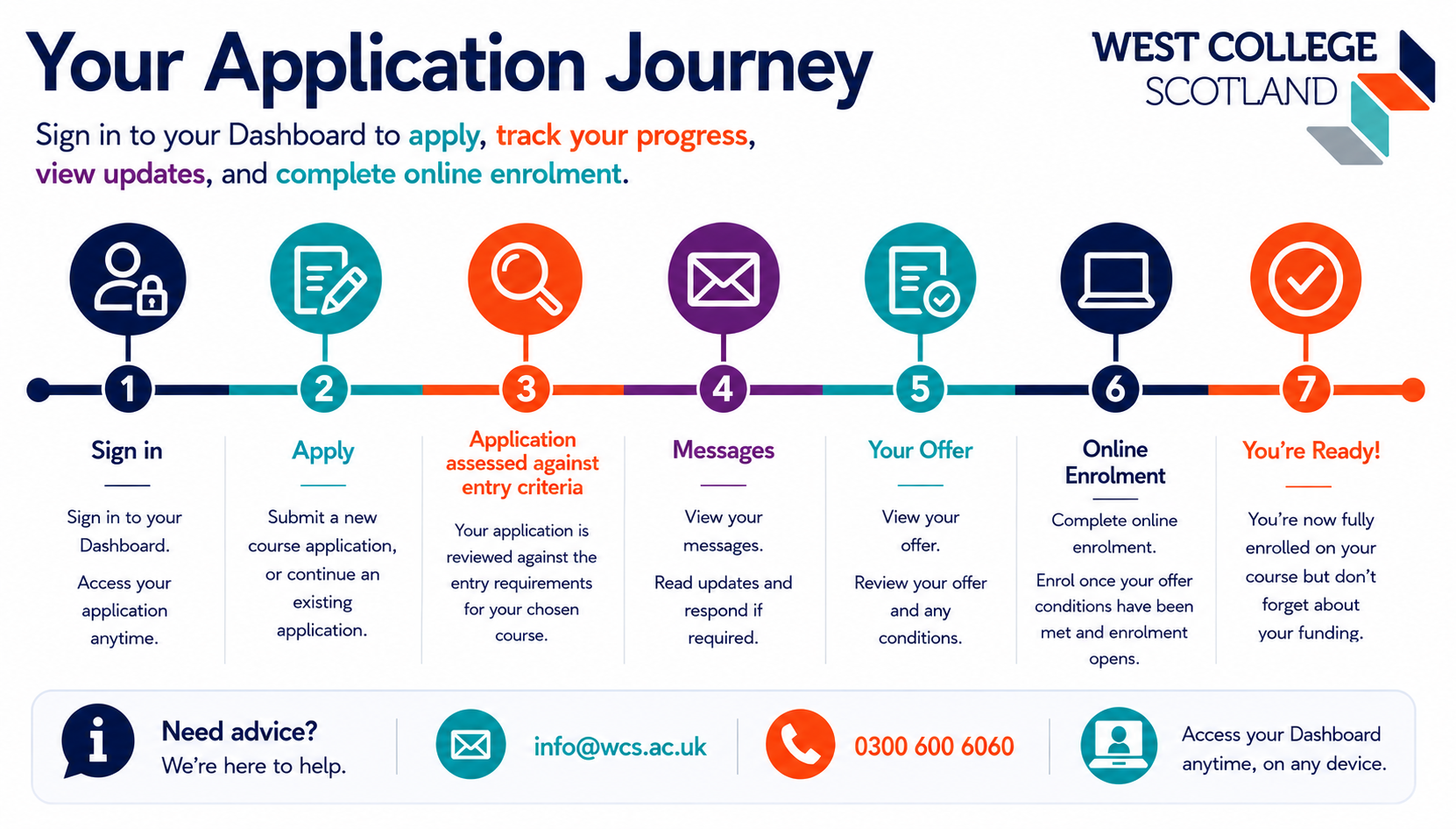
Sign into your Dashboard using your personal email address. The Sign-in link is at the top of the screen.
Use your Dashboard to:
submit your course application,
track its progress,
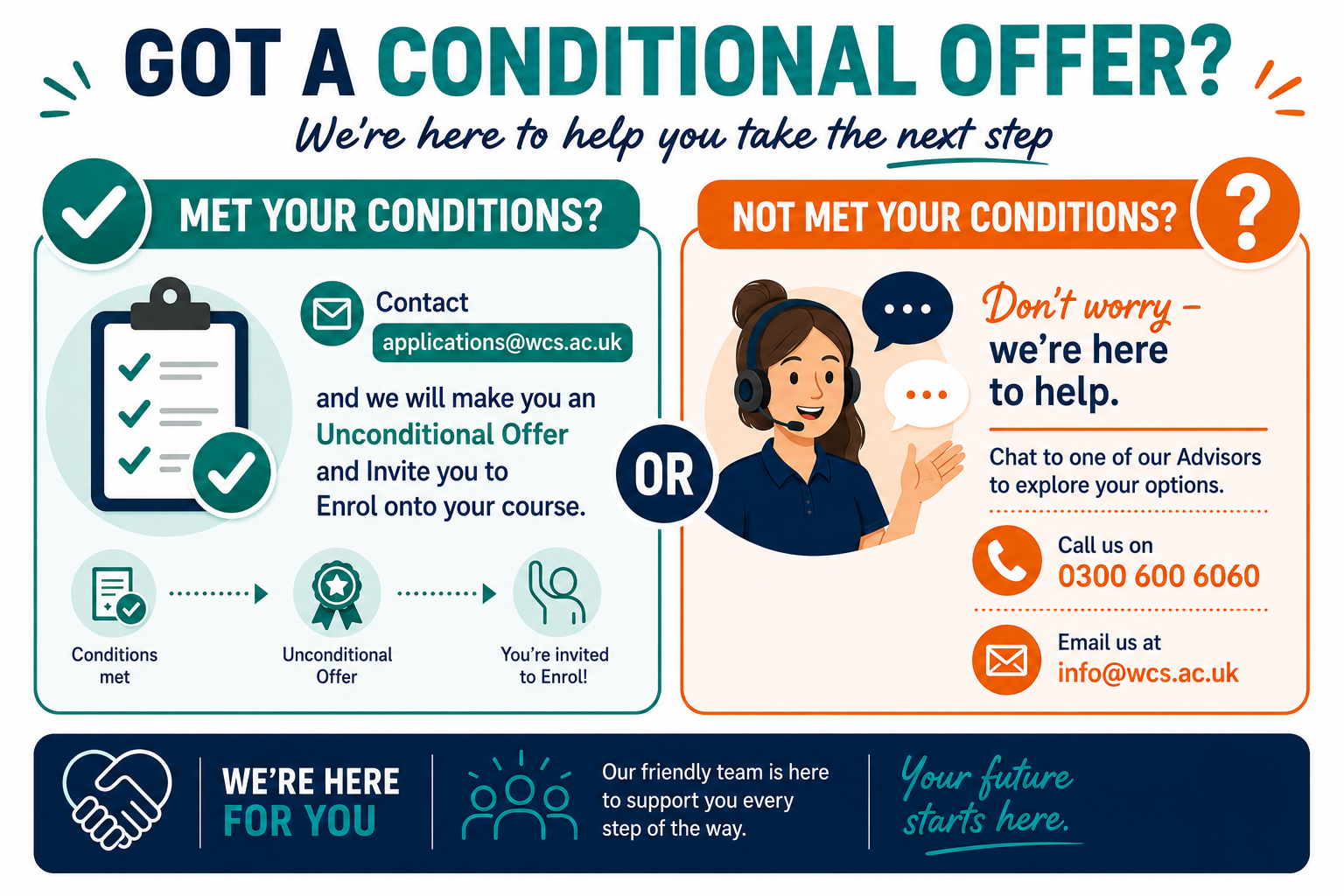
accept offers,
enrol onto a course with us.
If you have previously created an account but have forgotten the email address or password, please contact [email protected] or use the password reset link (please do not create a new account).
If you have not previously created an account, please use the link at the top of the screen to register for a new account.
If, for any reason, you are experiencing an issue with logging back into your Dashboard, please clear your browser history, or open an In-private (or incognito) browser window, then Sign-in again at https://wcs.civicarems.co.uk. If this does not resolve the issue, please contact us at [email protected].